/images/avatar.png

Work and live with IT

Anonymous IP address involving Apple iCloud Private Relay

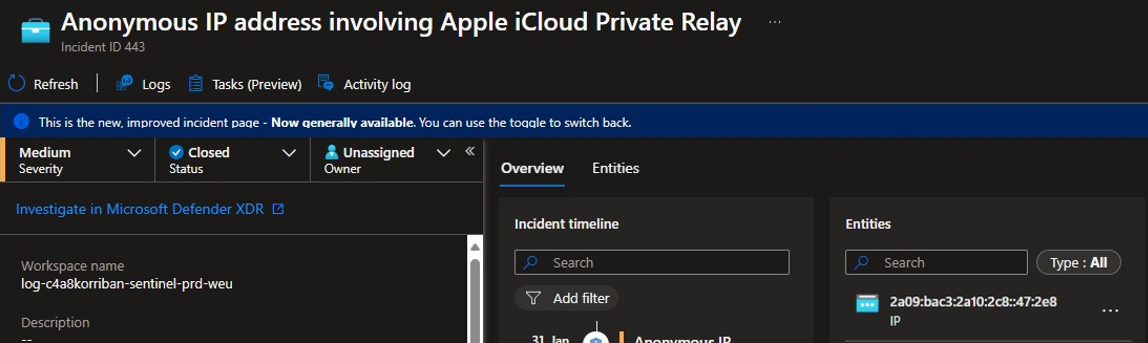
Since a few weeks I recognized an uptick in Entra ID Protection alerts regarding “Anonymous IP address” detections. Normally this is a high-fidelity indicator that someone is using a Tor browser or some other method to cover their tracks. While this behavior is totally fine in a private setting, in enterprise IT the use of such anonymizers is not considered baseline behavior.

While analyzing the related alerts for common patterns I stumbled upon the IP address information. Most of those sign-ins are from IPv6 addresses that are hosted in e.g. Cloudflare datacenters.

Detect threats using Microsoft Graph activity logs - Part 2

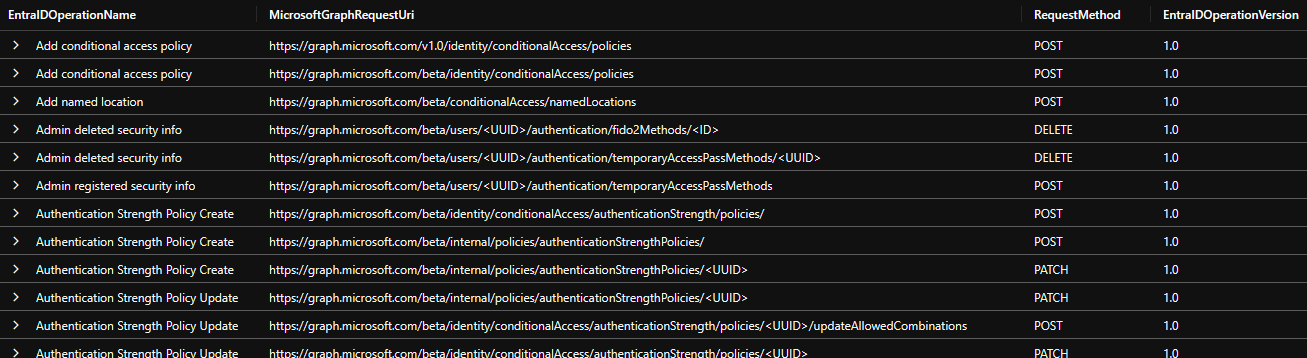
In part one I focused mostly on detecting offensive security tools like AzureHound, GraphRunner, and PurpleKnight. In part two I will go into more depth how you can use the now available information for hunting and how to correlate it with other datasets to gain deeper insights.

Correlate Graph activities with other log sources

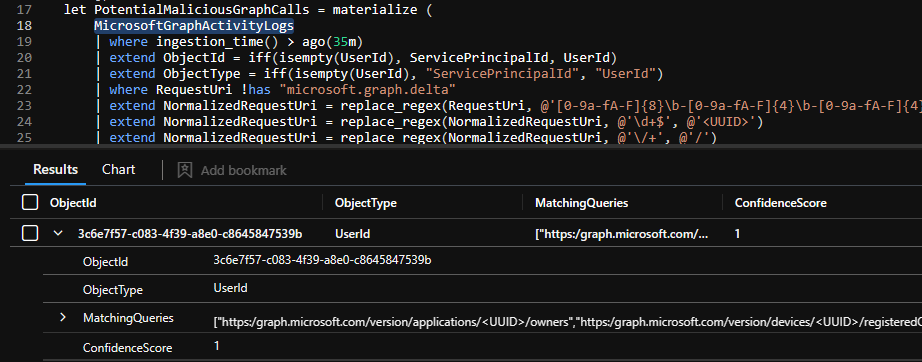
While the MicrosoftGraphActivityLogs alone is a trove of information, correlating it with other logs makes it an even more interesting data source. Here are a few example how to get additional information.

Detect threats using Microsoft Graph activity logs - Part 1

When working with Microsoft Entra there are many log sources you can use to detect usage and changes to the environment and the assets within it. Most of them can be forwarded using the diagnostic settings to different targets for better analysis capabilities or long term storage.

In many cases a Microsoft Sentinel or Log Analytics workspace is the target of choice, but also other SIEM solutions can benefit from this stream of log data.

Sync Defender for Cloud Alerts with Sentinel Incidents

When working with Defender for Cloud and Microsoft Sentinel the two product greatly integrate into each other. If integration is enabled each Defender for Cloud alert will generate an Sentinel incidents which contains the entities, description, the title and more information of the DfC alert. Also there is a direct link to the alert and if bi-directional alert synchronization is enabled it keeps the alerts, you guessed it, in sync.